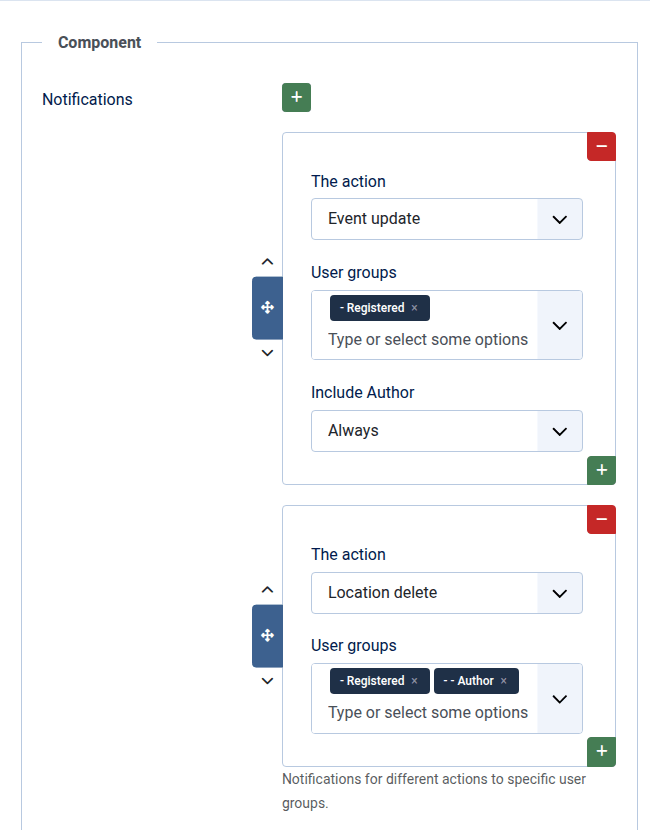
DPCalendar allows you to send notifications to specific user groups when locations, bookings, or events are created, updated, or deleted. To configure these notifications, administrators can define an unlimited number of rules for different actions. Each notification can specify the target user groups, the action that triggers it, and whether the author should also receive the notification. For events, notifications can also be configured on a per-calendar basis. These are applied in addition to the global notification settings.
In the mail template settings, it is mandatory to enable HTML as mail format rather than plain text, as DPCalendar provides notification messages in HTML format only.
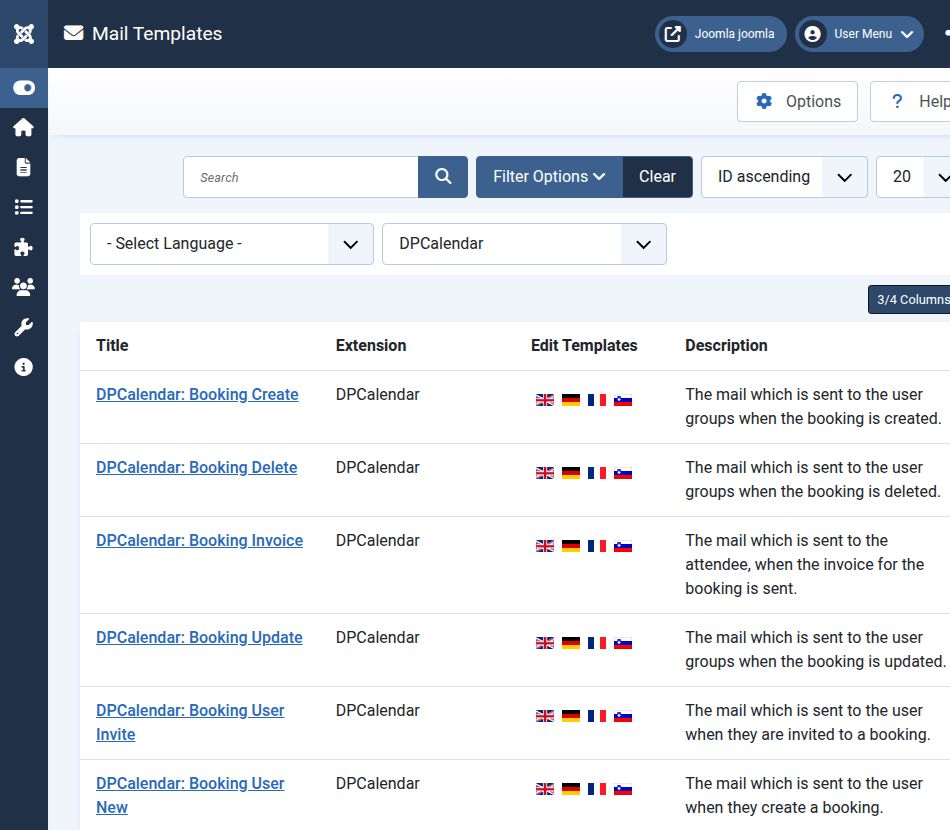
DPCalendar uses the core mail template feature from Joomla, allowing administrators to customize the email subject and body for each action in the user interface. Mail templates can be configured in the backend under the "Mail Templates" system menu link or in the DPCalendar component menu. To view all available templates, filter by DPCalendar or the other DPCalendar related extensions.
The following list shows the available variables per action and the associated mail template:
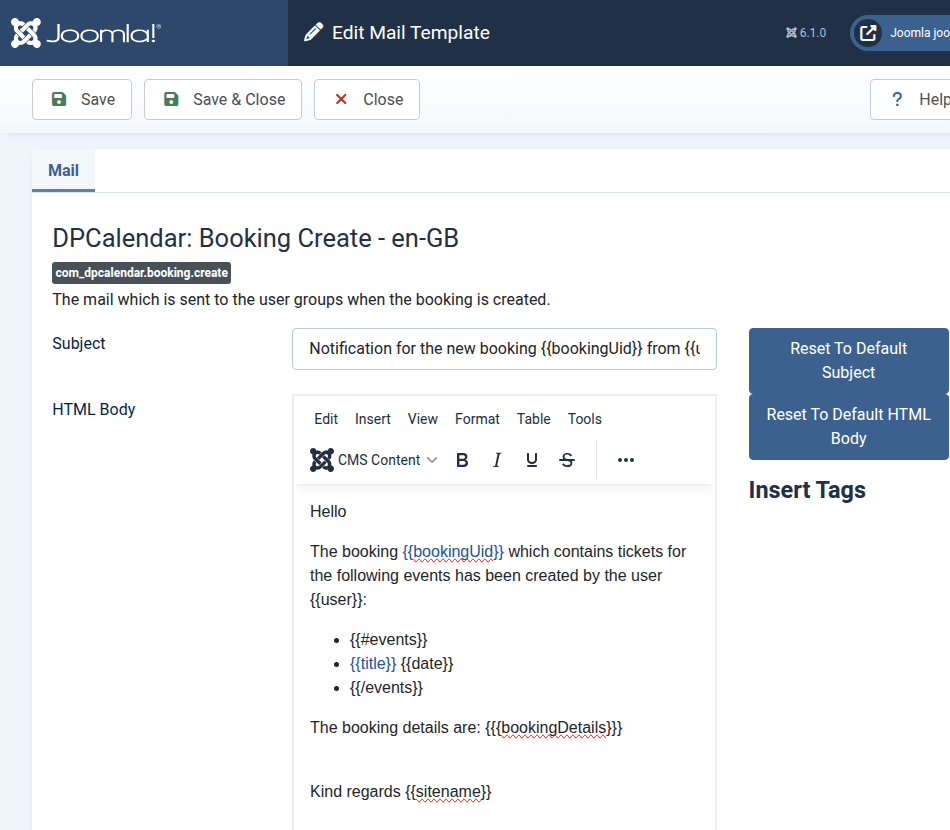
It is important to understand how core mail templates work. DPCalendar comes with some language strings, these strings act as default for mail templates, when configured. As soon as a mail template is saved in a language, then the language string is not used anymore. Even when DPCalendar changes it's constant in an upcoming release. To define a mail template, click on a language flag in the overview list (/administrator/index.php?option=com_mails&view=templates) and adapt the content.

Comments (0)