The E-Invoice plugin adds an XML file (XRechnung) to the paid booking mail and invoice mail from the Manual and QR plugin which can be used for electronic invoices. Additionally it extends the receipt and invoice PDF file for bookings with ZUGFerd compatible meta data (which is also XML under the hood).
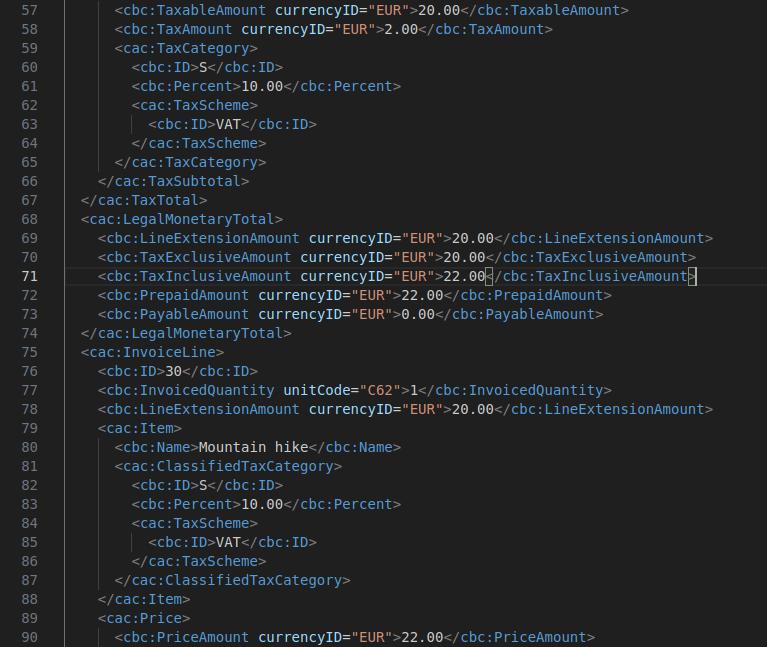
There are numerous validators for E-Invoices. The ones DPCalendar generate are validated with the KoSIT validator, which is widely used in different projects. There are many online services which do validate E-Invoices, so be careful that they aleways use the latest validator version within their web site and also that the fields are all filled. For example, E-Invoices like XRechnung or ZUGFerd don't accept empty booking fields like the country, etc. So it is required that the booking system is setup correctly.
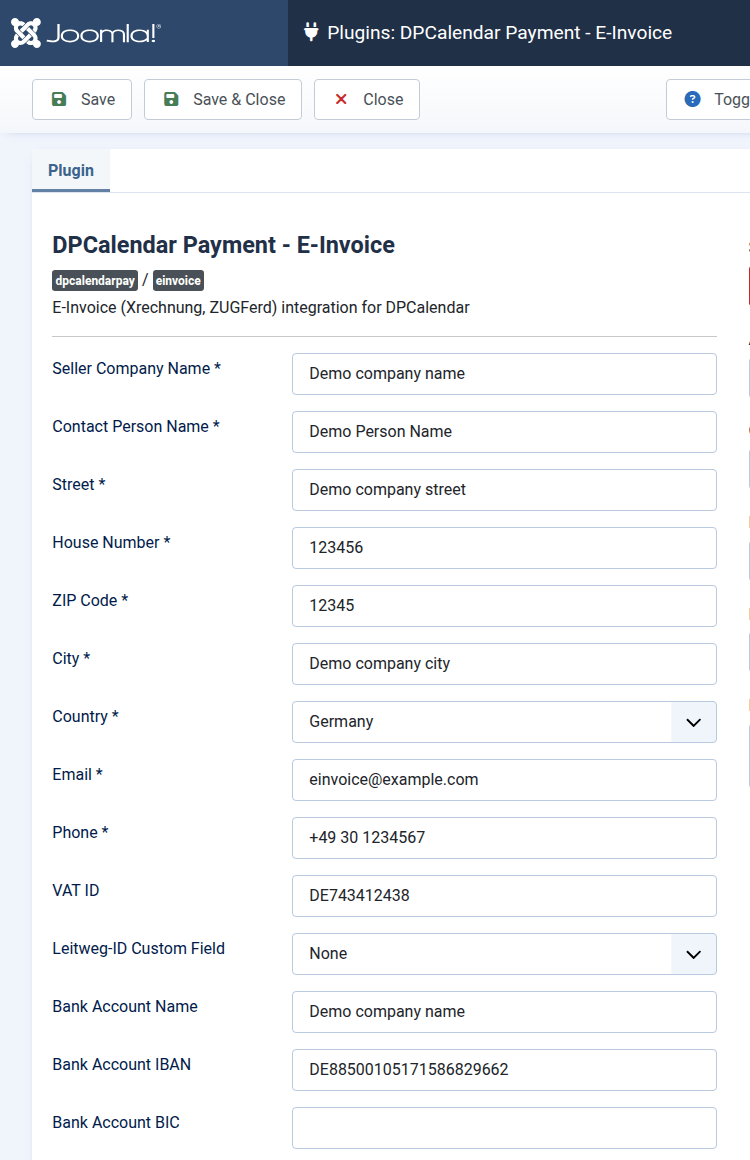
To integrate electronic invoices, it is mandatory to enable the plugin as first step. For valid XML, some mandatory information about the company who is selling events must be provided in the plugin configuration. The bank information is optional, when set, then the invoice is always treated as wire payment and adds the necessary information.
These options can also be overridden per payment provider when a global configuration is not sufficient. For example, this is useful when customers need to pay to different bank accounts depending on the selected provider. This requires the "DPCalendar Content" plugin being enabled.

Comments (0)